Components
Diff
The Diff component allows for a side-by-side comparison of two items, making it easy to identify their differences and similarities.
Type variants
Image diff
The standard format for the diff is component class `diff` with two child div's with class `diff-item-1` and `diff-item-2` respectively whereas the `diff-resizer` class is used to resize the diff.

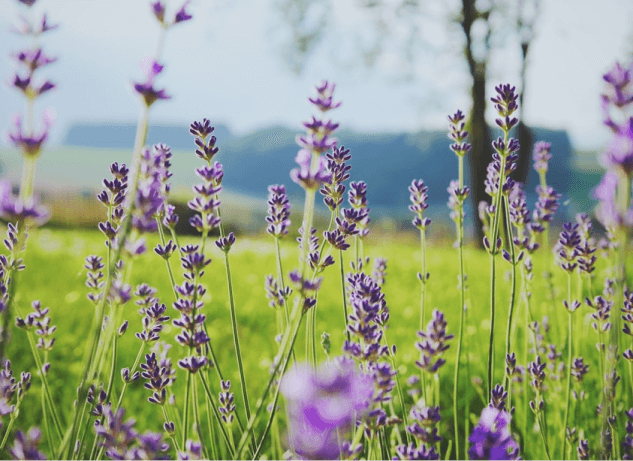
Image diff with blur
Use the `blur-xs` utility class to add a blur effect to the image. The intensity of the blur effect can be adjusted using the TailwindCSS <a href="https://tailwindcss.com/docs/filter-blur" target="blank" class="link link-primary">Blur</a> utility classes.
Text diff
Use div's with custom text and background color in `diff` to create a text diff.
Semji Design
Semji Design
Class referenceThe component, style, color, state, size and modifier classes available for this component.
| Class | Type | Description |
|---|---|---|
diff | component | Base class for the diff component |
diff-item-1 | part | Base class for the first item in the diff |
diff-item-2 | part | Base class for the second item in the diff |
diff-resizer | part | Base class for the resizer in the diff |
blur-xs | modifier | Adds a small blur effect to the image |