Marketing UI
Verify Email
Email verification process and confirmation component
Verify Email 1
This design block presents an email verification screen. It informs the user that an activation link has been sent to their provided email address, and prompts them to check their inbox to complete the activation process. Users can skip the step for now or resend the verification email if needed. The design focuses on simplicity and clarity for the user verification process.
Semji
Verify your email
An activation link has been sent to your email address: hello@example.com. Please check your inbox and click on the link to complete the activation process.
Didn't get the mail? Resend
Verify Email 2
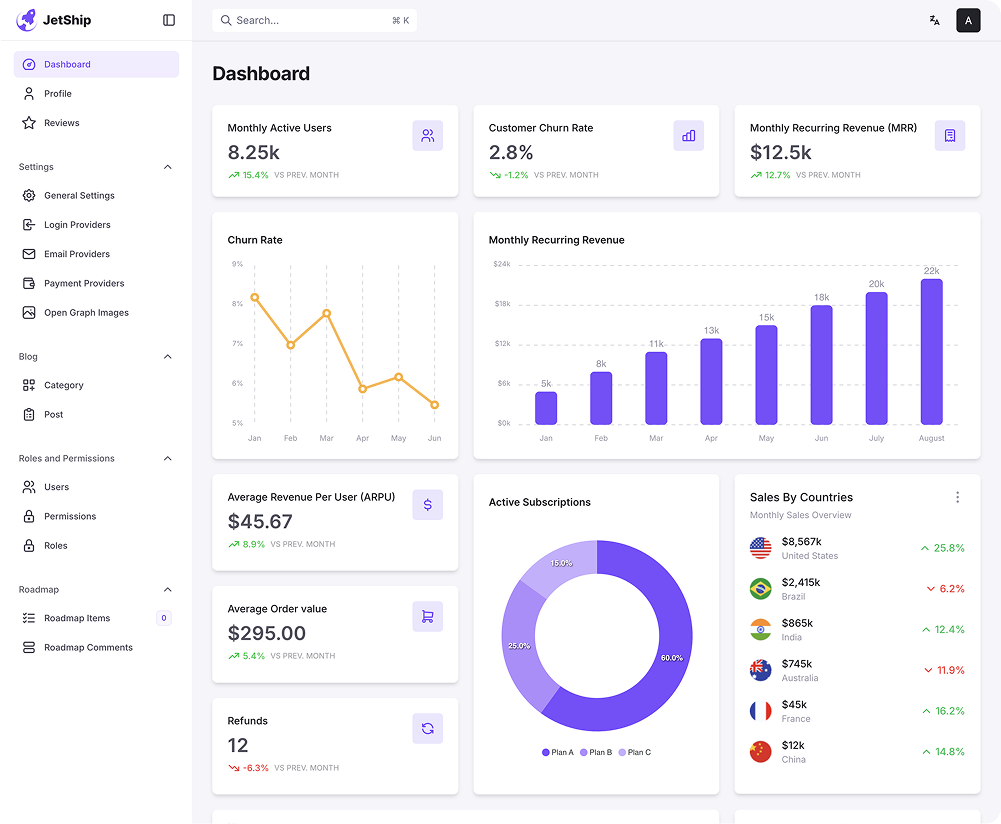
This design block combines a dashboard view and an email verification prompt. The user is shown an overview of key metrics on the left (monthly active users, average revenue per user, active subscriptions, etc.), while the right section asks them to verify their email. A message indicates an activation link has been sent to the user's email, with options to skip or resend the activation email.
Semji
Verify your email
An activation link has been sent to your email address: hello@example.com. Please check your inbox and click on the link to complete the activation process.
Didn't get the mail? Resend
Verify Email 3
This design block prompts the user to verify their email address. The left side provides details of the account activation link sent to the user's email (with a specific email shown), offering options to skip or resend the email. The right side emphasizes the importance of verifying the email to complete registration and secure the account.
Semji
Verify your email 📧
Account activation linksent to your email address. johndoe@gmail.com , Please follow thee link inside to continue.
Didn't get the mail? Resend
Ensure you entered the correct email address
Thank you for signing up! To complete your registration and secure your account, we need to verify your email address.
Verify Your Email Address
Verifying your email helps us keep your account secure and ensures you won’t miss important updates.



Verify Email 4
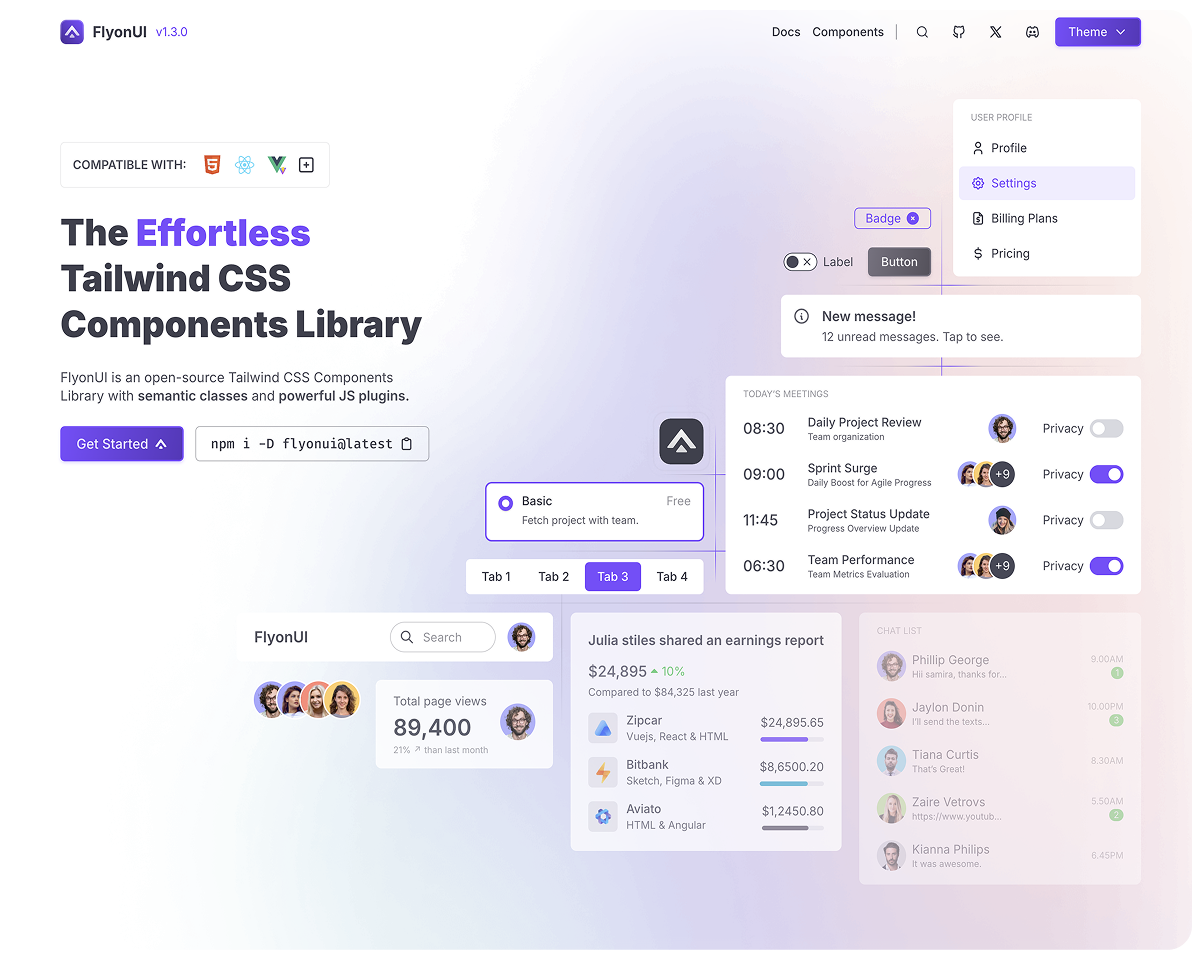
This design block guides users to reset their password by first ensuring they enter the correct email address. The left side offers instructions for creating a strong password, while the right side confirms that a reset link has been sent to the user's email. The user is provided with an option to skip or resend the link if necessary.
Ensure you entered the correct email address
Please create a new password below. Make sure it’s strong and secure, combining letters, numbers, and special characters.

Check Your Email 📧
We’ve sent you a link to reset your password.
Didn’t get the code ? Resend
Verify Email 5
This design block prompts the user to verify their email address by clicking on a link sent to their inbox. The user is notified that the activation link has been sent and is given an option to skip the process for now or resend the email if it wasn't received.
Verify your email
An activation link has been sent to your email address: hello@example.com. Please check your inbox and click on the link to complete the activation process.
Didn't get the mail? Resend