Marketing UI
Reset Password
Password reset confirmation and new password form
Reset Password 1
This is a password reset page where users can enter their email address, current password, new password, and confirm the new password to reset their account security. The form is accompanied by a button labeled 'Set new password' to finalize the change, as well as a 'Back to login' option for users who want to return to the login page.
Semji
Reset Password
Please enter your current password and choose a new password to update your account security.
Reset Password 2
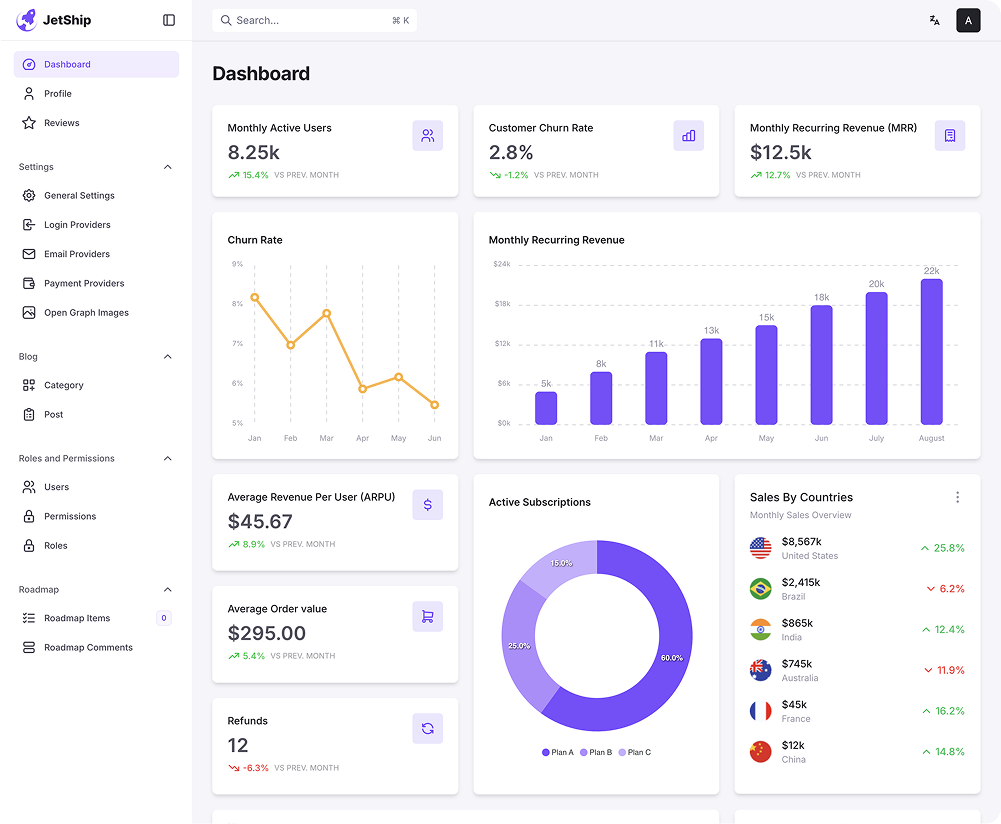
This design features a password reset page with fields for users to enter their email address, new password, and confirm the new password. Additionally, there is a button to submit the reset, labeled 'Set new password', as well as a link to return to the login page. The left side showcases a dashboard image.
Semji
Reset Password
Please enter your current password and choose a new password to update your account security.
Reset Password 3
This is a password reset page where users are required to create a new password that must be at least 8 characters long. The design includes fields to enter the new password and confirm it, with a 'Reset Password' button to submit the form. On the right side, there is a message confirming that the user is close to regaining access to their account, with a reminder to create a strong password using letters, numbers, and special characters.
You're just one step away from regaining access to your account.
Please create a new password below. Make sure it’s strong and secure, combining letters, numbers, and special characters.
Reset Your Password
You're just one step away from regaining access to your account.



Reset Password 4
This section is a password reset page. The user is prompted to create a new password by entering it twice for confirmation. The page also includes a 'Save Changes' button to submit the form, with a link to return to the login page.While the left section suggests user to always use a strong password and a visual reminder of the importance of password security. The design is clean, with clear labels and an easy-to-use form for resetting the password.
You're just one step away from regaining access to your account.
Please create a new password below. Make sure it’s strong and secure, combining letters, numbers, and special characters.

Set new password 🔑
Must be at last 8 characters.
Reset Password 5
This screenshot shows a password reset page. The user is prompted to create a new password by entering it twice for confirmation. The page also includes a 'Save Changes' button to submit the form, with a link to return to the login page. The design is clean, with clear labels and an easy-to-use form for resetting the password.