Marketing UI
Register
User registration and sign-up form component
Register 1
A registration form with fields for a username, email address, password, and password confirmation. It includes a checkbox for agreeing to the privacy policy and terms. The 'Sign Up to Semji' button allows users to submit their information, while a 'Sign in with Google' option is provided for alternative authentication. The form is clean and minimalist, with a clear call-to-action for registration.
Register 2
A registration screen with a sign-up form and a dashboard view in the background, showcasing key business metrics. The form requires a username, email address, password, and password confirmation. There is a checkbox to agree to the privacy policy and terms, with a clear call-to-action 'Sign Up to Semji' button. Additionally, users can sign in with Google or access the login page for existing accounts. The layout also offers a link to go back to the website.
Register 3
A sign-up page featuring a form to create an account, with fields for the user's name, email address, and password. Users can either sign up with a Google account or fill out the form directly. The 'Sign Up to Semji' button is clearly visible, and there is a checkbox to agree to the privacy policy and fees. On the right side, there is a section explaining the benefits of creating an account, including secure progress saving and customizable preferences. Additionally, a counter showing the number of users in the community is visible.
Semji
Create your account
Lets get started with your 30 days free trial
Already have an account Log in
Create your account to get started.
Your account will allow you to securely save your progress, customize your preferences, and stay connected across all your devices.
We’re excited to you join our community
Your account will allow you to securely save your progress, customize your preferences.



Register 4
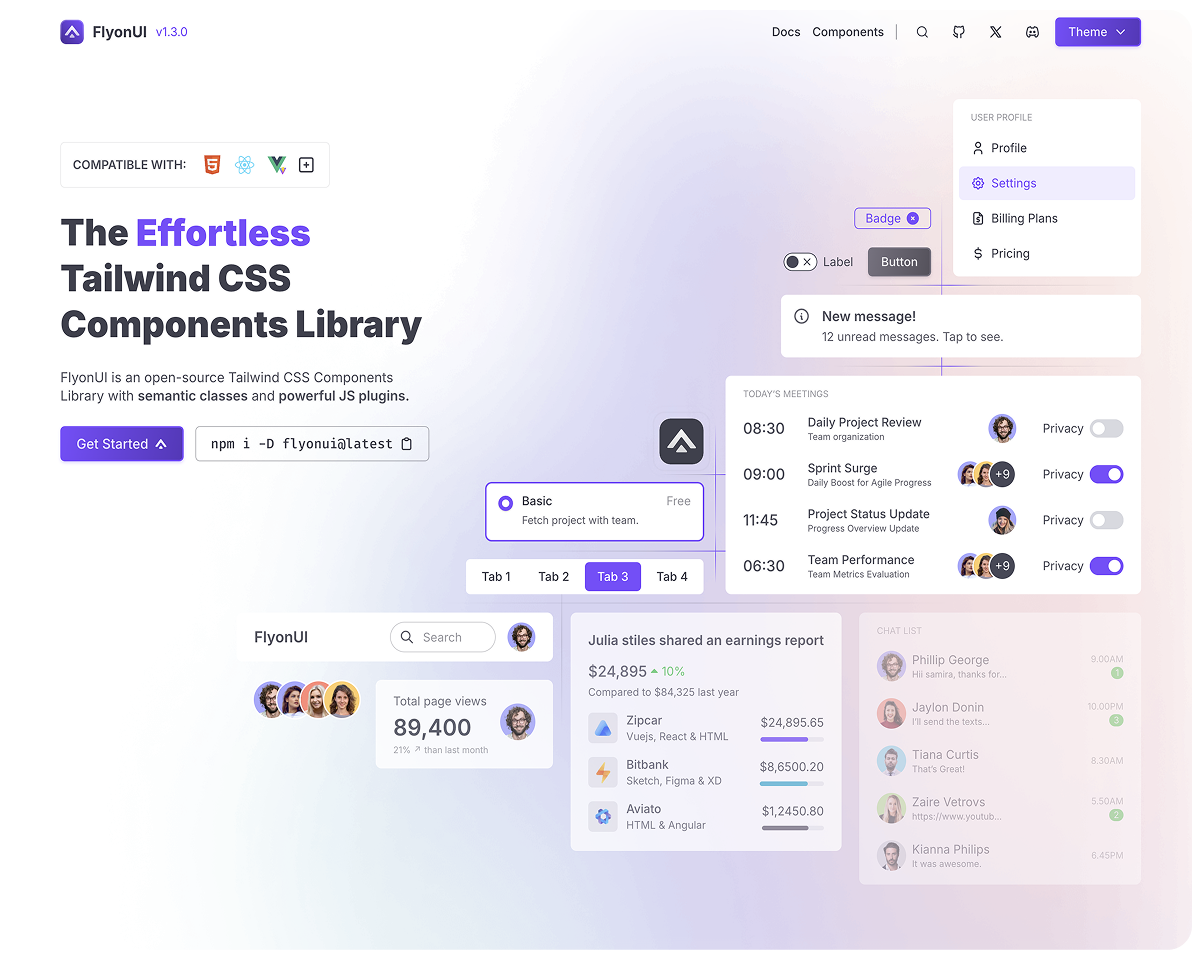
This is a user registration page for Semji, with a left section showcasing a component library interface, highlighting various features such as a chat interface, project tracker, and real-time statistics in a image and also explains why registration is required. The right side features a sign-up form where users can create an account by filling in their name, email, and password or use Google to sign up. There is a checkbox for agreeing to privacy policies, followed by a prominent 'Sign Up to Semji' button. The header emphasizes the benefits of signing up to get started with a 30-day free trial.
Create your account to get started.
Your account will allow you to securely save your progress, customize your preferences, and stay connected across all your devices.

Create your account 👤
Lets get started with your 30 days free trial
Already have an account Log in
Register 5
This is a simple sign-up page for Semji, featuring multiple social media login options (Google, Facebook, GitHub) for quick registration. For users who prefer email, the form allows them to input their email address, password, and confirm the password. A checkbox for agreeing to the privacy policy and terms is included, followed by the 'Sign up to Semji' button. There's also a prompt for users who already have an account to log in instead.