E-commerce
Product Category
Product category display component with grid layout
Product Category 1
A horizontally arranged category showcase block featuring two large image cards side by side, each representing a product category with overlaid text and 'Shop Now' buttons. The left card highlights 'Men’s Casual Collection' with a dynamic photo and a red 'New Arrival' badge, while the right card showcases 'Women’s Fitnesswear' with a fitness-themed image. A centered 'Explore All Category' button appears below the cards.
Popular Categories


Product Category 2
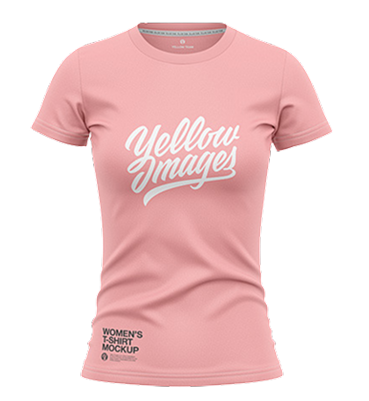
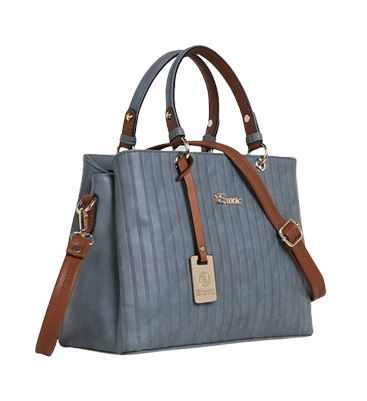
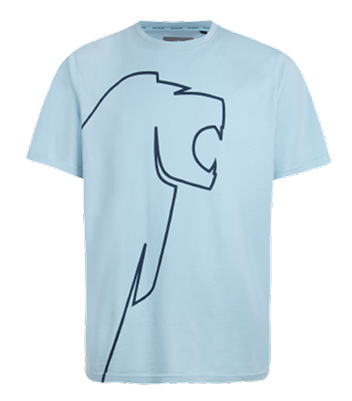
A multi-column grid layout showcasing various product categories with thumbnail images, discount tags (e.g., '50% OFF', 'New Arrival'), and category labels beneath each item. The block includes a header titled 'Browse by Category' with a supporting description and a top-right 'Explore All Category' button.
Browse by Category
Check out our gallery to discover more about our awesome products and what they can do!
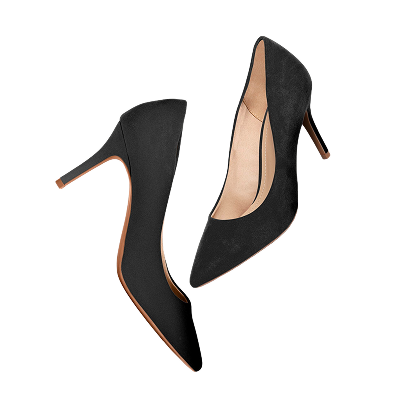
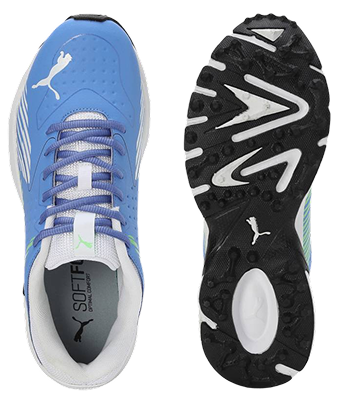
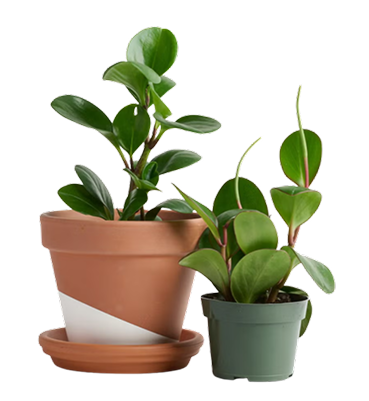
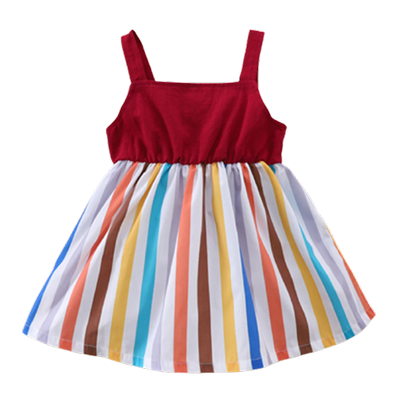
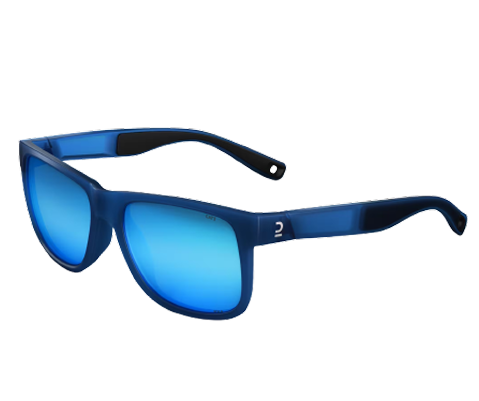
Product Category 3
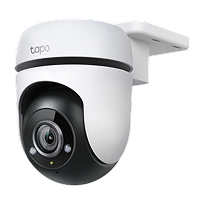
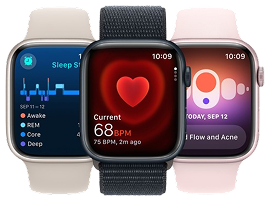
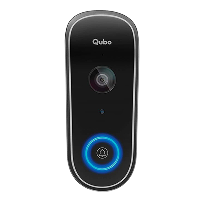
A horizontally scrollable carousel layout displaying technology-related categories with icons and labels beneath each item. The section includes a centered title 'Shop By Category' and a short descriptive subtitle, flanked by left and right arrow buttons for navigation through additional items.
Shop By Category
Explore our gallery to learn more about our amazing products and their features.
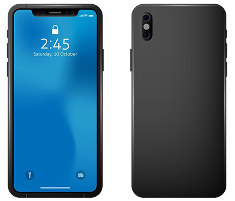
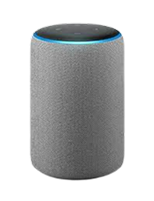
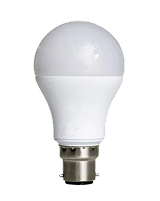
Product Category 4
A clean, centered grid layout displaying category tiles with icons, category names, and product availability counts. The header section includes a title 'Select a category to get started' with a subtle category label and an 'Explore All Category' button placed beneath the grid.
Product Category 5
A horizontally scrollable category carousel featuring circular gradient backgrounds for product images and labels underneath. The section includes a centered header with a title and subtitle, and navigation arrows on either side of the carousel for interaction.
Category
Shop By Category
Explore our gallery to learn more about our amazing products and their features.
Product Category 6
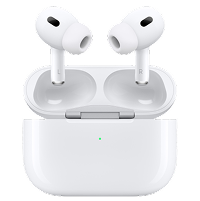
A horizontally scrollable furniture category carousel with large rectangular image tiles, each featuring an overlaid icon and label on a white card. The layout includes a centered header with a title, subtitle, and navigation arrows on either side of the carousel.
Product Category 7
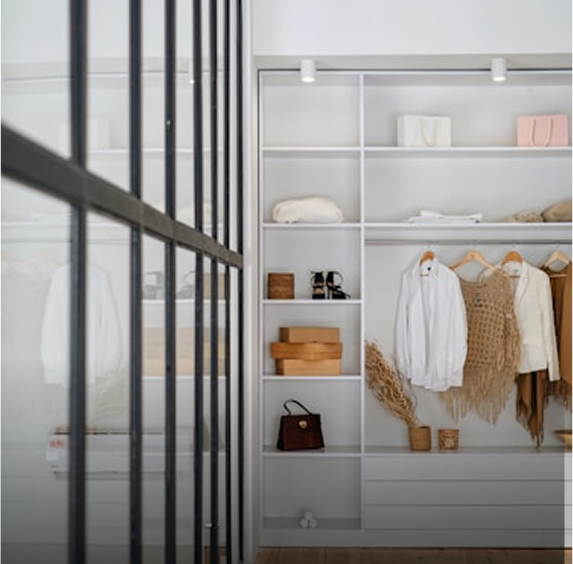
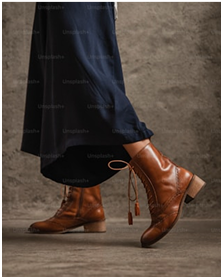
A horizontal list of product category cards featuring thumbnail images, product counts, and red discount labels (e.g., '20% Off') on each card. The section is titled 'Explore Popular Categories' with a supporting subtitle and a prominent 'Explore All Category' button positioned in the top-right corner.
Categories
Explore Popular Categories
Product Category 8
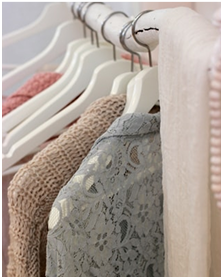
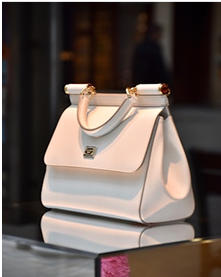
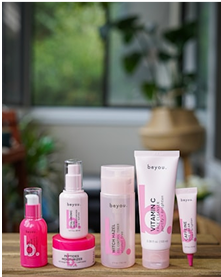
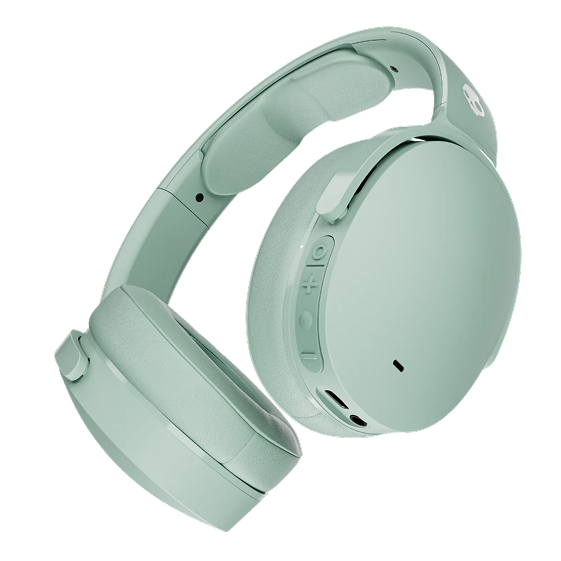
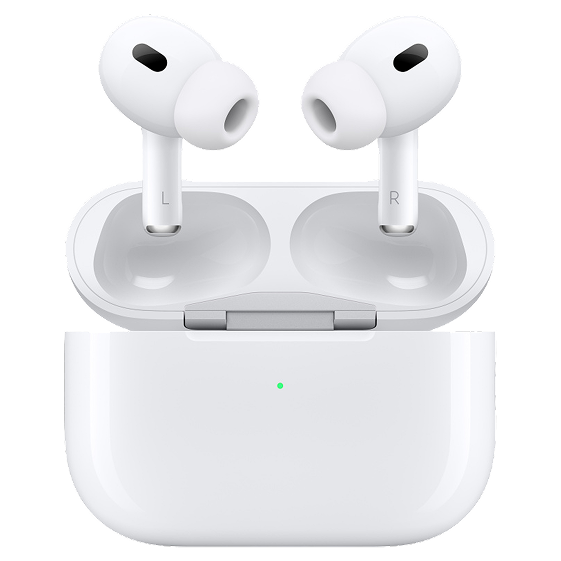
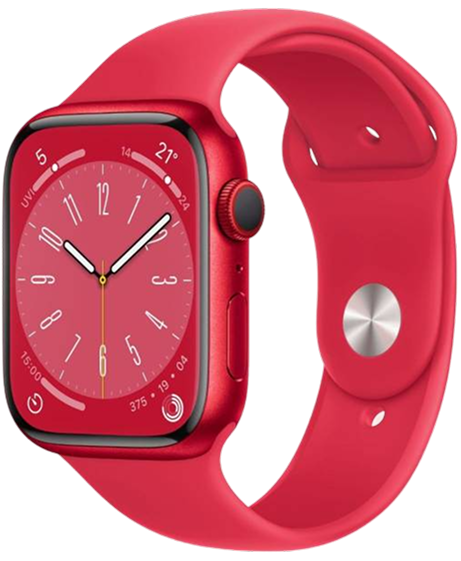
A horizontally aligned set of three feature category cards, each with a large centered product image, a '20% Off' discount badge, category title, and a prominent 'Shop Now' button. Each card has a distinct background color theme and rounded corners, while a 'Popular Categories' header and 'Explore All Category' button appear at the top.
Categories
Popular Categories
Product Category 9
A horizontally scrollable layout displaying colorful category cards labeled 'For Women,' each with product counts, background colors, lifestyle imagery, and 'Shop Now' call-to-action buttons. The section header reads 'Our Popular Category' with an 'Explore All Category' button placed at the top right.
Our Popular Category
Explore All Category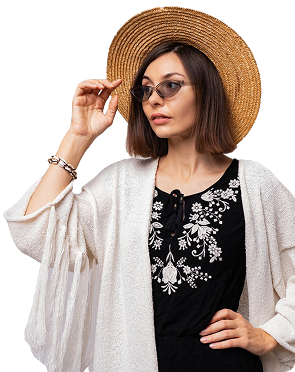


Product Category 10
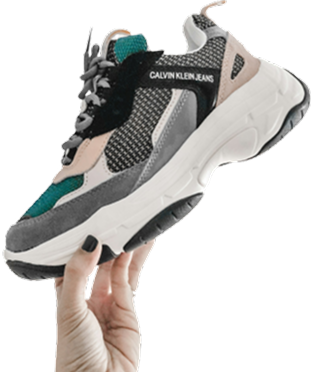
The design block features a 'Popular Category' section with a prominent 'New Arrival' highlight. It includes a large image of a woman holding shopping bags, accompanied by the text 'Be Fashion Forward' and a 'Shop Now' button. Additionally, there are three smaller category blocks for 'Watch', 'Shoes', and 'Accessories', each with an image, product count, and a 'Show More' button.
Popular Category
Explore All CategoryProduct Category 11
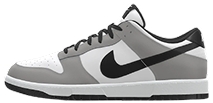
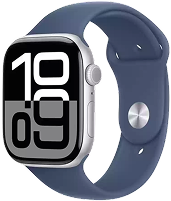
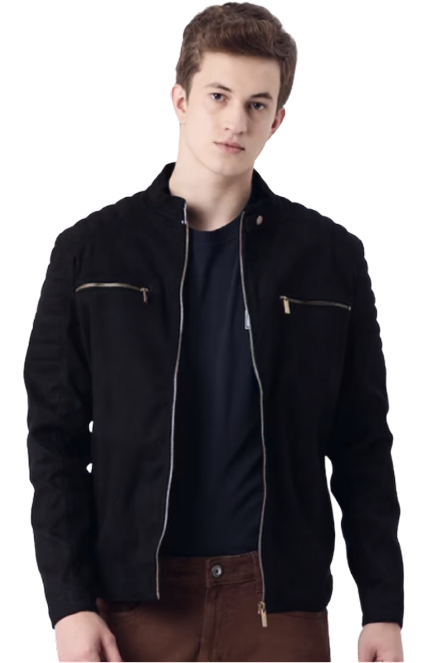
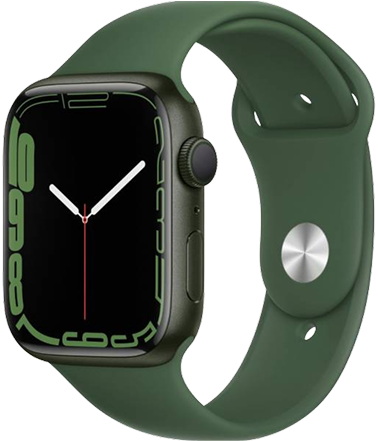
The design block showcases a section titled 'Fresh Arrivals and New Selections' with a call-to-action button labeled 'See All Category'. It features four circular category highlights: 'Winter Special' with a discount offer, 'Sportswear' with an image of a sneaker, 'Men's Fashion' with a model image, and 'Smart Gadgets' with an image of a smartwatch.
Fresh Arrivals
and
New Selections
Explore our latest offerings with Fresh Arrivals and New Selections, featuring the trendiest products and unique finds to refresh your collection. Discover exciting styles and exclusive items that elevate your shopping experience!
See All Category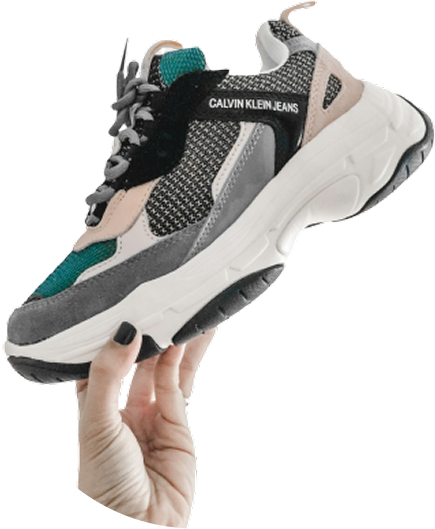
Product Category 12
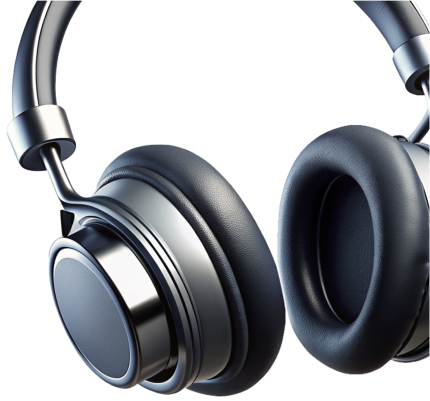
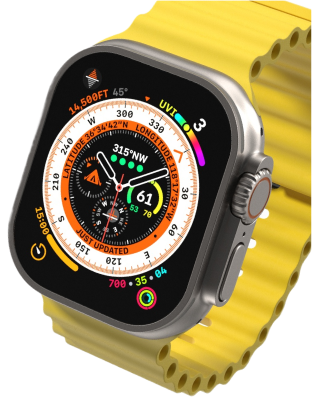
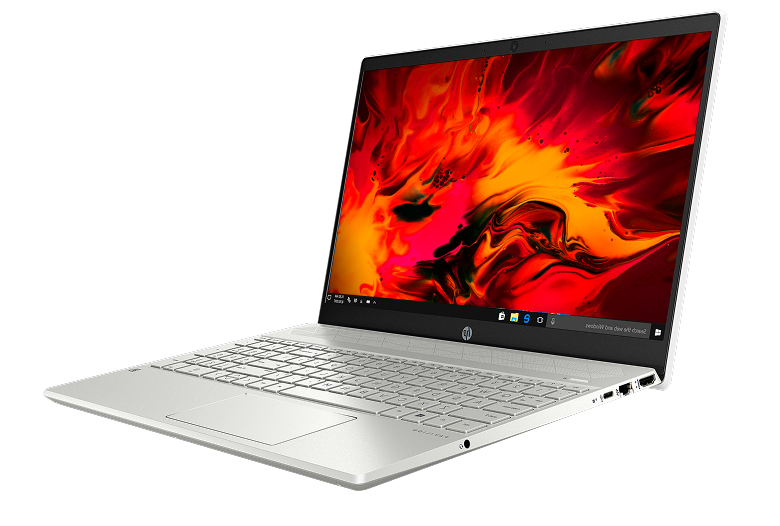
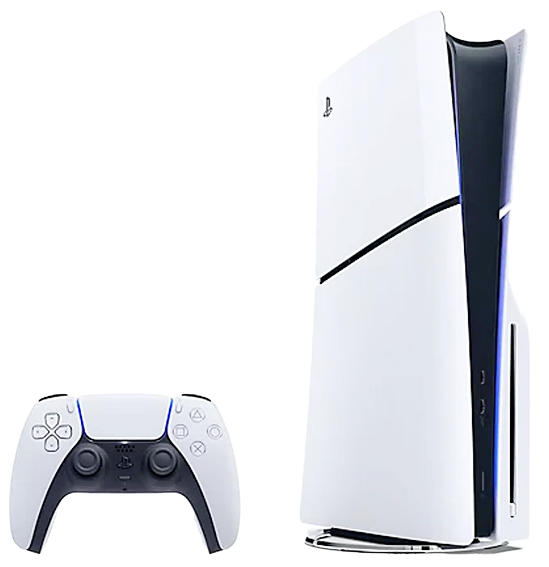
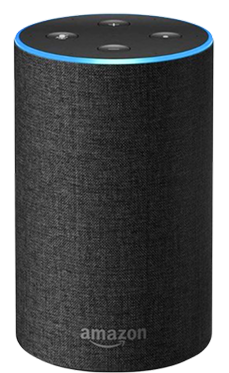
The design block is titled 'Shop By Category' and features six product categories, each with an image and a 'Browse' button. Categories include 'Headphone', 'Smart Watch', 'Laptop', 'Gaming Console', 'Oculus', and 'Amazon Speaker'. Each category is highlighted with a different background color and a descriptive tag such as 'Enjoy', 'New', or 'Productivity'.