Marketing UI
Forgot Password
Password reset form and flow component
Forgot Password 1
A simple password reset form with a clean, minimalistic design. The form asks the user to input their email address in order to receive instructions for resetting their password. A 'Send Reset Link' button is prominently displayed, with a link for navigating back to the login page.
Semji
Forgot Password?
Enter your email and we'll send you instructions to reset your password
Forgot Password 2
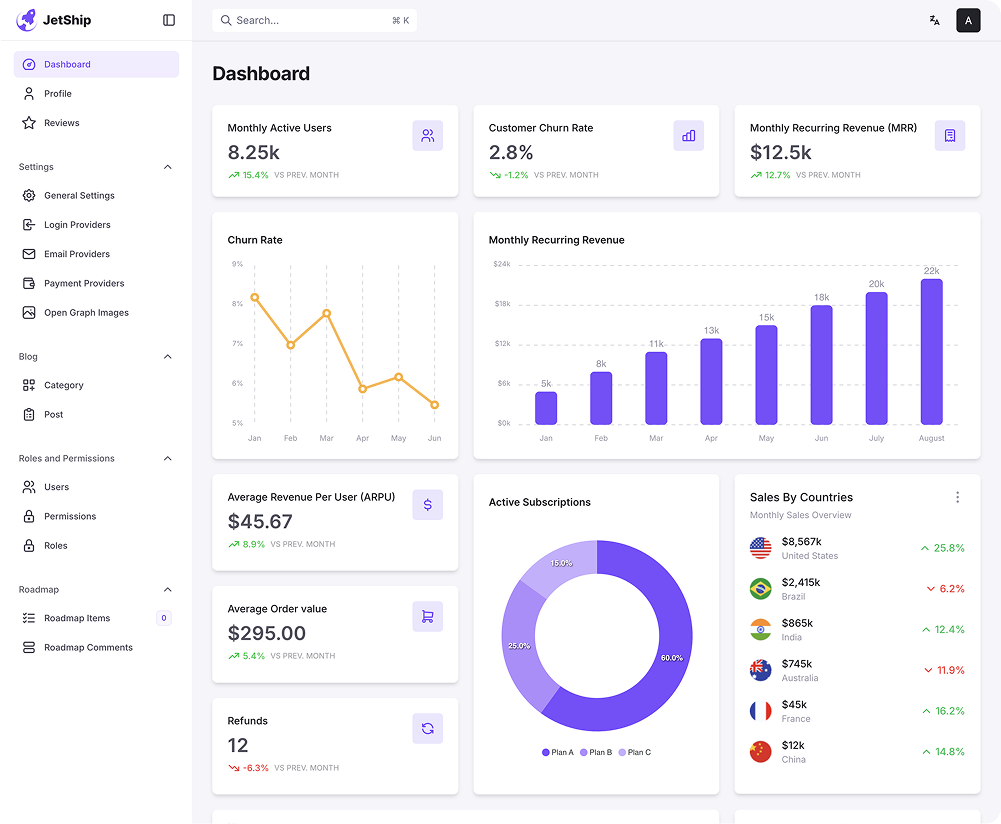
A password reset page featuring a clean design with a dashboard preview on the left side displaying key metrics and graphs, such as monthly active users and sales data. On the right side, there is a form asking for the user's email address to send a reset link. Below the form are navigation links for returning to the login page or the main website.
Semji
Forgot Password?
Enter your email and we'll send you instructions to reset your password
Forgot Password 3
A password reset page with a two-panel layout. The left side includes a simple form to input the user's email address to receive a reset link. The right side offers an encouragement message about the simplicity of the reset process and an additional instruction to check spam or junk folders for the reset email. A user icon and number appear at the bottom right corner, likely indicating a community or user count.
Semji
Forgot Password?
Enter your email and we'll send you instructions to reset your password
Don’t worry it happens! Resetting your password is quick and easy.
Just enter your registered email address below, and we’ll send you a secure link to reset your password. Follow the instructions in the email, and you’ll be back in your account in no time!
Follow the instructions
If you don’t see the email in your inbox, be sure to check your spam or junk folder.



Forgot Password 4
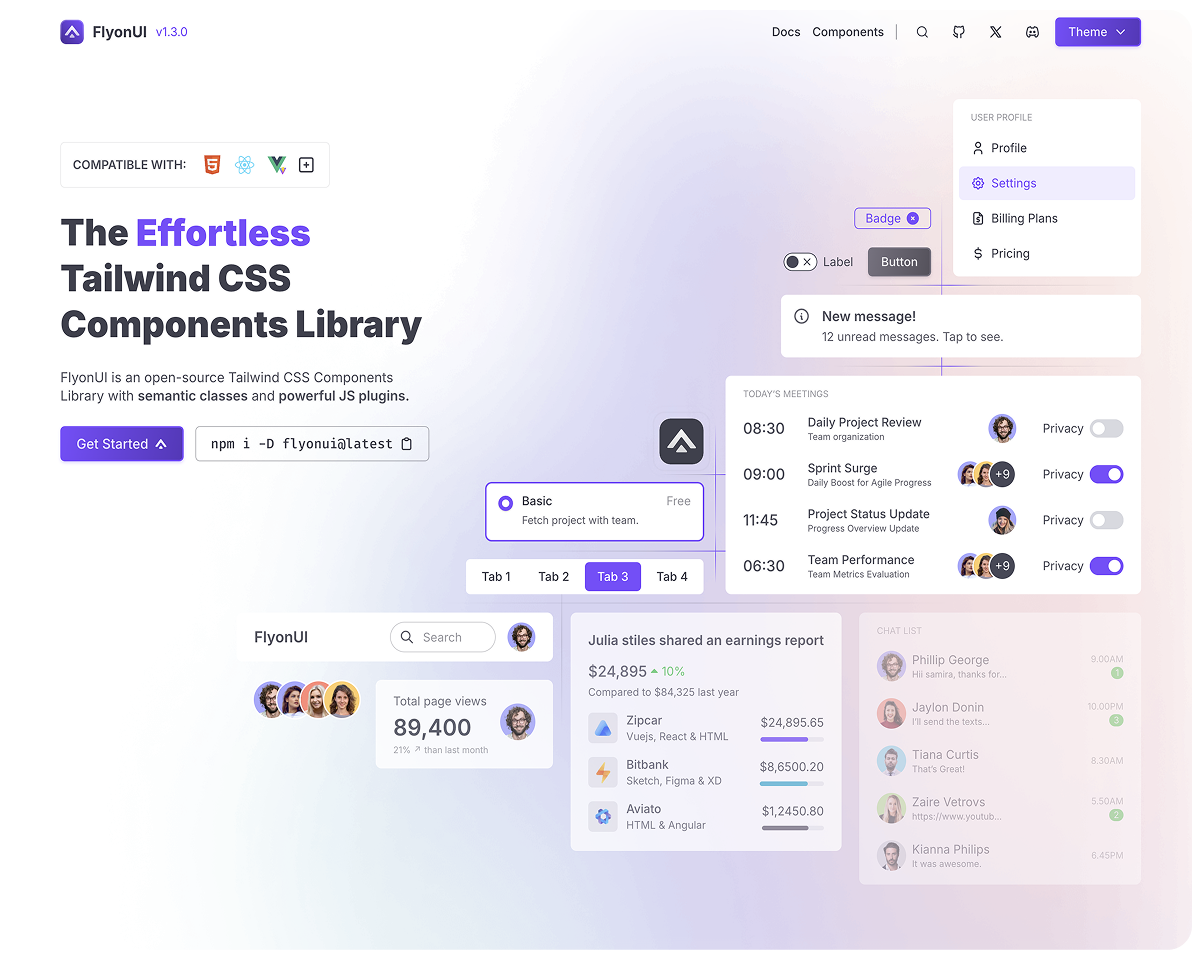
A password reset page with a dual-panel design. On the left side, there is an encouraging message assuring users that resetting their password is quick and easy. The right side features a form where the user can input their email address to receive a password reset link. The background includes an image of a UI dashboard with data visualization, making the page feel modern and interactive.
Don’t worry it happens! Resetting your password is quick and easy.
Just enter your registered email address below, and we’ll send you a secure link to reset your password. Follow the instructions in the email, and you’ll be back in your account in no time!

Forgot Password ? 🔒
No worries, we’ll send you reset instructions.
Forgot Password 5
A simple and clean password reset page with a centered form. It includes fields for entering an email address and a button to reset the password. The header asks the user to enter their email to receive reset instructions. The design uses minimal colors, with a focus on functionality and clarity.
Forgot Password?
Enter your email and we’ll send you instructions to reset your password